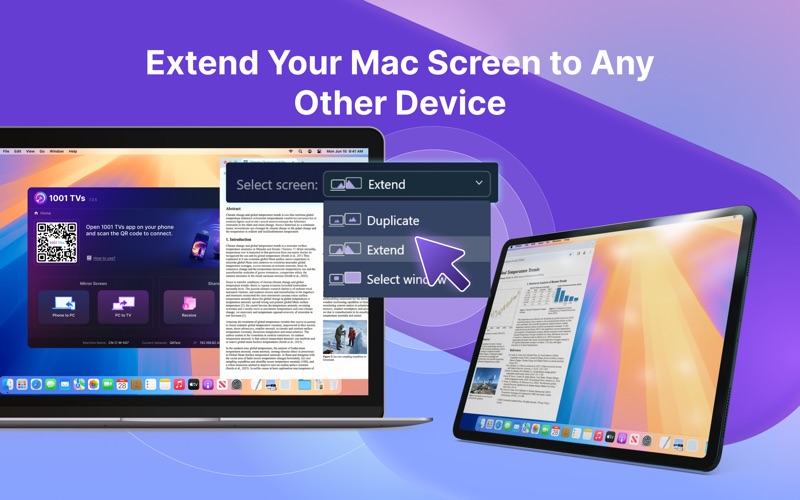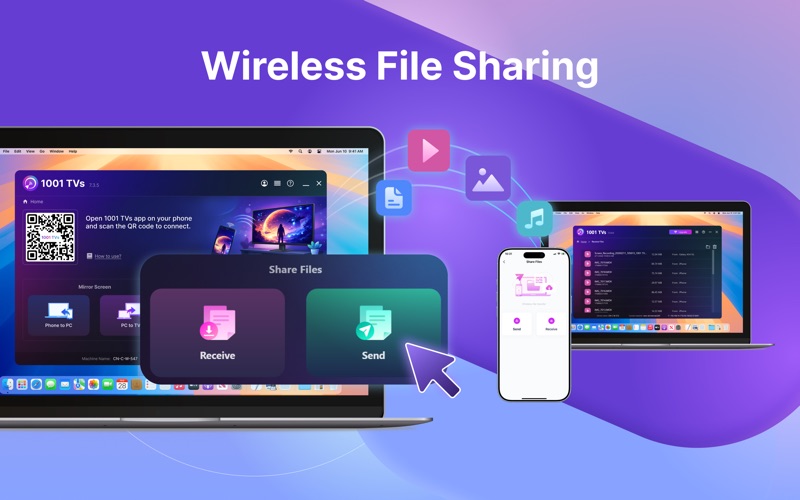







1001 TVs: Mirror your phone/tablet screen to your Mac, also can mirror your Mac screen to TV. We are a professional team on screen mirroring, always focus on the core features: * Screen mirroring from Phone to Mac: - Support mirroring from multiple phones/tablets to the same Mac simultaneously. - Freely zoom the phone mirroring window, supports full screen, force screen rotation, and more. - Auto rotation adaptation, Perfectly maintains the original aspect ratio of your phone. - Pause mirroring, and resume anytime – all controlled from your Mac. * Screen mirroring from Mac to TV: - Supports mirroring the Primary Screen, Extended Screen - Mirror screen to another PC, Mac, Phone, Pad and so on. * German-quality you can trust: - Real-time, Low-Latency Screen Mirroring: Excellent balance between image quality and smoothness, with audio-video sync and no lag. - Stable Long-Duration Connections: Meets industrial-grade mirroring requirements. - HD Quality: Achieve high-definition picture quality through flexible configuration. - Privacy & Security: All screen data is transmitted only within your local network, never uploaded to the internet, guaranteeing 100% privacy and security. * Additional Features: - Annotation Tool: Draw and annotate directly on the mirrored screen. - File Transfer: Easily transfer files between your Mac and phone. * Getting Started is Easy: 1. Install "1001 TVs" application on phone and receiving device (Mac/PC/TV/Tablet). 2. Ensure all devices are connected to the same Wi-Fi network. 3. Open the app, select the target device, and start screen mirroring immediately. * Pricing: - Screen mirroring from Phone to Mac: Offers a free trial, A paid membership is required to continue using after the trial. - Screen mirroring from Mac to TV: Basic features are free, some advanced features require payment. * Contact Us: - Email: 1001tvs@nero.com - Website: www.1001tvs.com - YouTube: nero1001TVs [User Agreement] http://1001tvs.com/license/terms.html [Privacy Policy] http://1001tvs.com/license/privacy.html