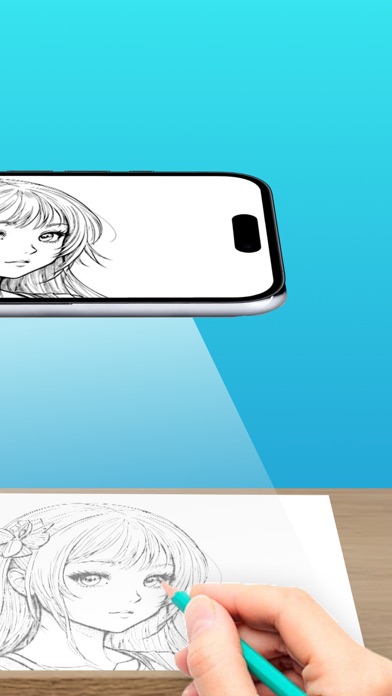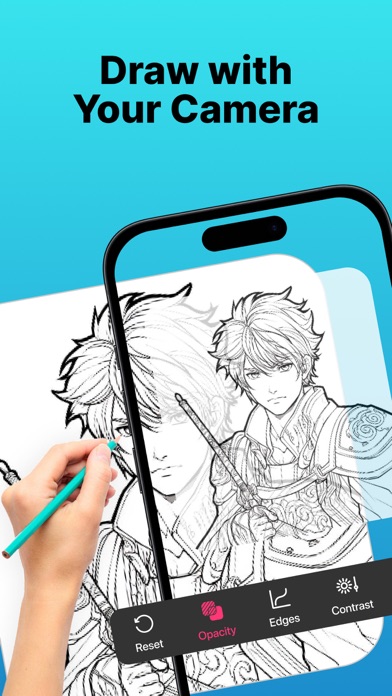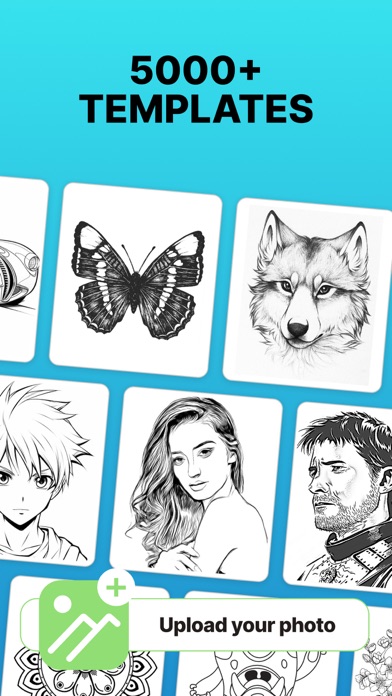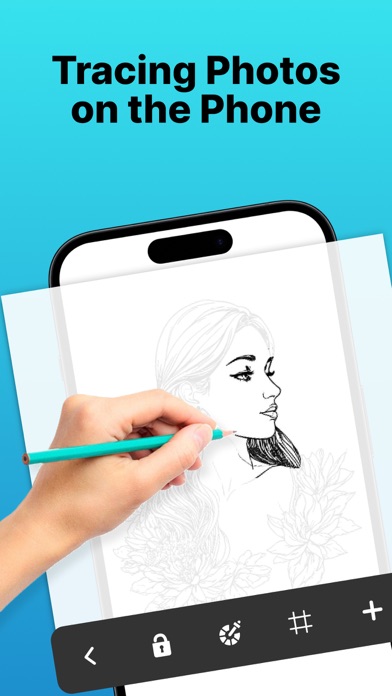
AR Drawing - Sketches is perfect for anyone looking to improve their sketching or drawing skills. Downloaded by over 1.5 Million users all over the world, the app stands out for its simplicity and ease of use, providing a practical way to trace and recreate any image. Whether you're an experienced artist aiming to sharpen your techniques or a beginner hoping to produce better drawings, this app has something for you. AR Drawing - Sketches preserves the original outlines of your image and overlays them on your drawing surface, guiding your hand and making the tracing process much easier. You can also access drawing lessons designed to help you grow step by step, track your progress through various milestones, and find inspiration from a curated selection of images and artwork. Key Features: - Image Projector with AR Anchor Tool: Overlay any image onto your drawing surface using your device’s camera and anchor it precisely with AR technology. This ensures image stability and helps guide your hand as you draw. - Light Table: Turn your phone into a virtual light table to trace images directly from the screen—ideal for sketching on paper. - Digital Drawing: Use intuitive sketch tools to draw directly on your device, perfect for quick concept art or practicing anywhere. - Drawing Lessons: Learn and improve your drawing skills through lessons suitable for all skill levels. - Progress Tracking: Set goals and unlock milestones to stay motivated and see how far you've come. - Inspiration Hub: Explore curated content to spark your creativity and try new styles. How to Get Started: 1. Upload a high-quality image or choose one from the gallery. 2. Adjust the image’s transparency and contrast to make it easier to trace. 3. Secure your phone above your paper using a tripod or even a cup. 4. Start drawing and create your own masterpiece. Subscription Details: Unlock premium features with a subscription: - Duration: Weekly or Yearly - Payment will be charged to your iTunes Account upon confirmation of purchase - You can manage your subscription and disable auto-renewal in your Account Settings - Subscriptions renew automatically unless auto-renew is turned off at least 24 hours before the end of the current period - Renewal charges will be applied within 24 hours prior to the end of the current period - If you cancel, your subscription remains active until the end of the current period. No refunds will be issued - Any unused portion of a free trial (if offered) will be forfeited once a subscription is purchased Terms of Use: https://www.apple.com/legal/internet-services/itunes/dev/stdeula/