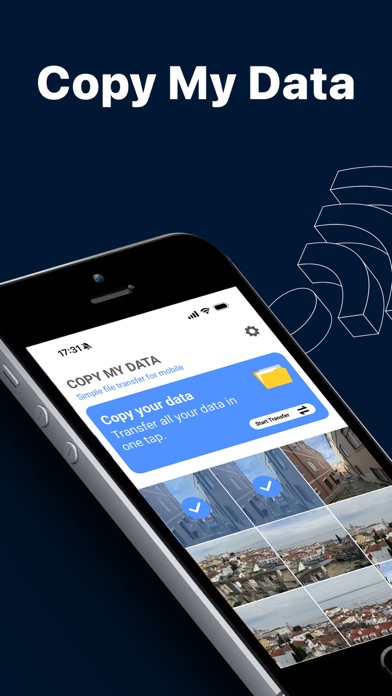
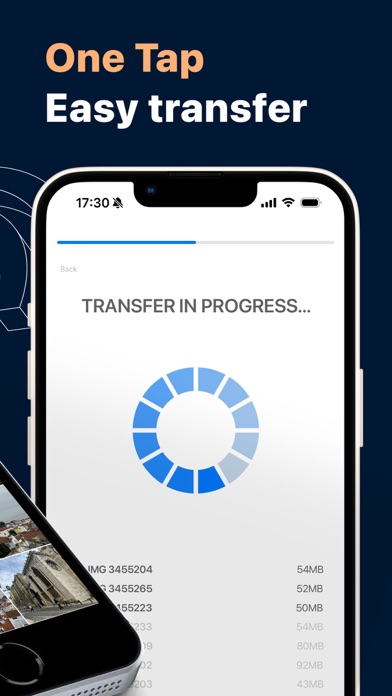
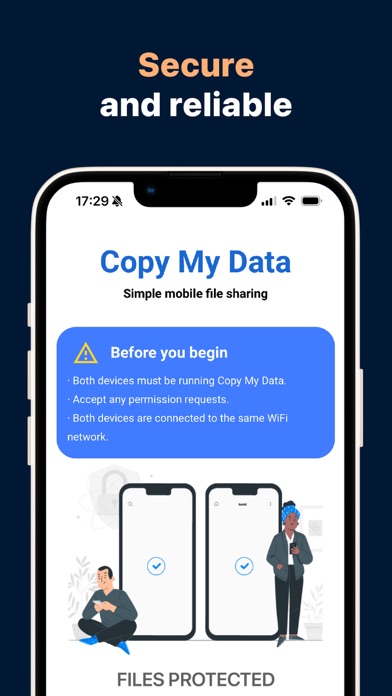
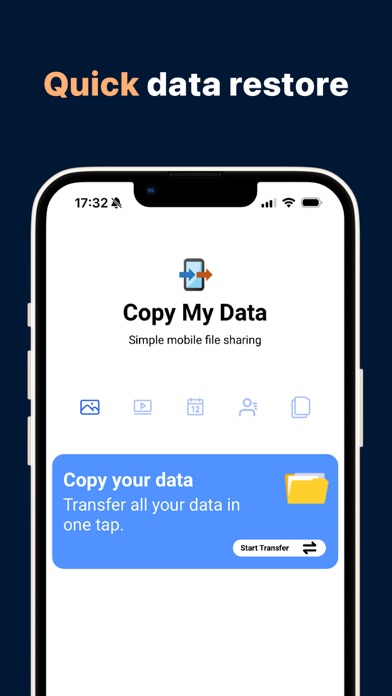
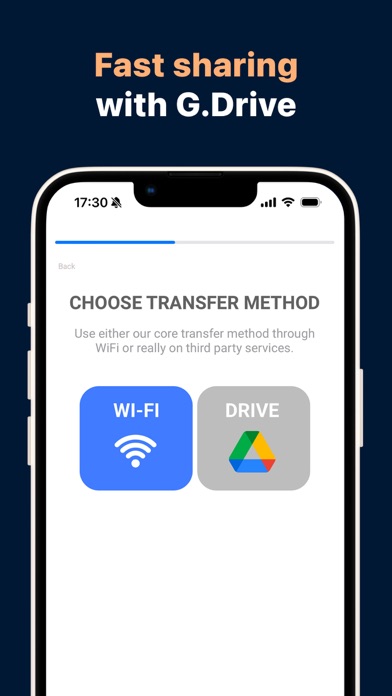
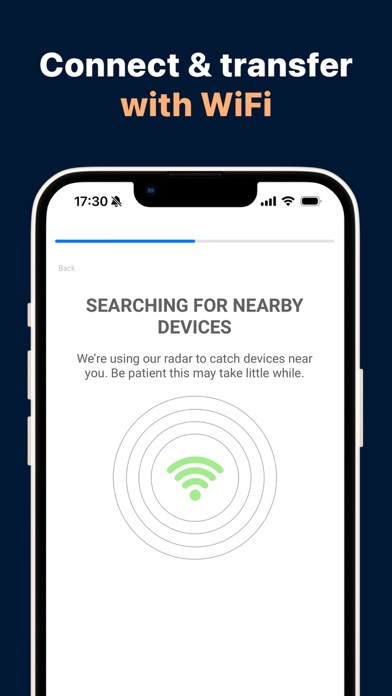
Switching to a new smartphone? Transfer your data in minutes, not hours! Switching to a new device shouldn't be a hassle. Copy My Data offers a secure, fast, and wireless way to transfer your most important data from one device to another. No cables, no complicated software—just a simple Wi-Fi connection. Whether you're sticking with the same operating system or switching to a different one, we have the right solution for you. WHAT CAN YOU TRANSFER? Contacts: Transfer your entire address book in a snap. Calendar: Keep track of all your appointments and important dates. Photos & Videos: Relive your best memories on your new screen. Files: Transfer important documents without the cloud. WHY COPY MY DATA? Cross-platform compatibility: Transfer data between different operating systems or devices of the same brand without compatibility issues. Fast Wi-Fi transfer: Say goodbye to tangled cables. Our app uses your local Wi-Fi network for lightning-fast data transfer. Data privacy is our priority: Your data stays on your devices. We do not store your personal data on external servers. Step-by-step instructions: Our intuitive user interface guides you through the entire process and is incredibly easy, even for users with limited technical experience. GET STARTED (3 EASY STEPS): Connect both devices to the same Wi-Fi network. Open "Copy My Data" on both smartphones. Follow the on-screen instructions to pair the devices and start the transfer! IMPORTANT NOTE ABOUT WI-FI: For a successful transfer, both devices must be on the same network. Please note that some public or corporate networks may block communication between devices. For optimal results, use your home Wi-Fi network. LEGAL & PRIVACY: By using our app, you agree to our Terms of Service and Privacy Policy. Privacy Policy: https://www.redsky-labs.com/privacy-policy-apps.html Terms of Service: https://www.redsky-labs.com/Service_Terms.html